Let's start with a simple example.
A container
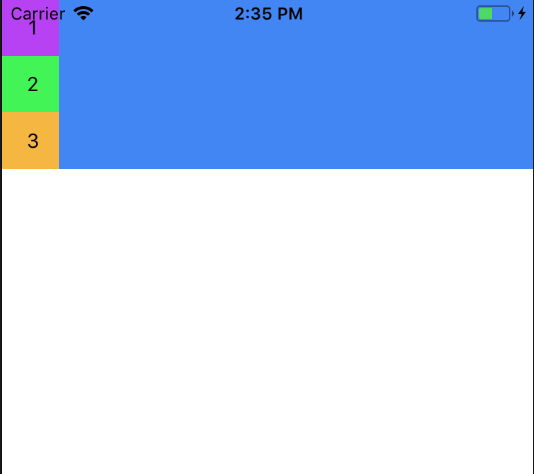
View component with three Text components.//Our views<View style={styles.container}> <View style={styles.viewStyleOne}> <Text style={styles.textStyle}> 1 </Text> </View> <View style={styles.viewStyleTwo}> <Text style={styles.textStyle}> 2 </Text> </View> <View style={styles.viewStyleThree}> <Text style={styles.textStyle}> 3 </Text> </View></View>//Styleslet styles = StyleSheet.create({ container: { backgroundColor:'#4286f4'}, viewStyleOne: { width:40, height:40, justifyContent: 'center', alignItems:'center', backgroundColor:'#b642f4' }, textStyle:{ textAlign:'center' } })
Which renders as so:

Styling the Container
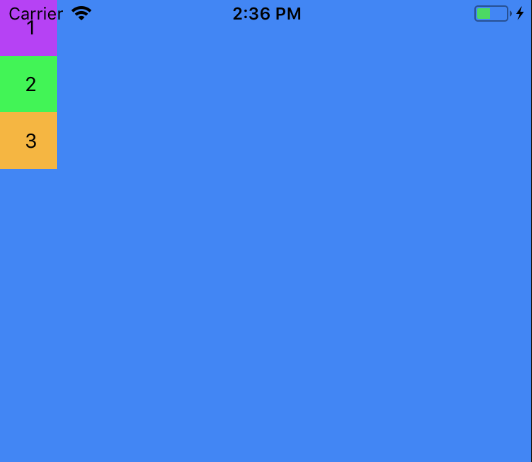
Now we add flex:1 to the container:
container: {
  backgroundColor:'#4286f4',
  flex: 1
}
This makes containers fill its parent, i.e. the whole screen.

Now we add:
container: {
  backgroundColor:'#4286f4',
  flex: 1,
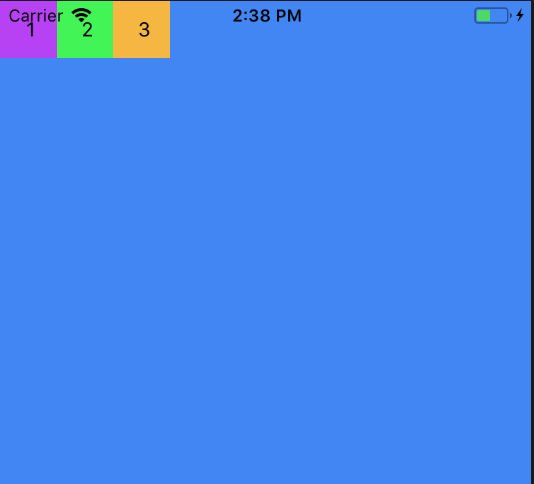
  flexDirection:'row'
}
Each view’s
flexDirection is set to a column by default but setting it to ‘row’ will change the orientation of the items in the container.
Now we can control the orientation of the content using
Now let's add
flexDirection.Now let's add
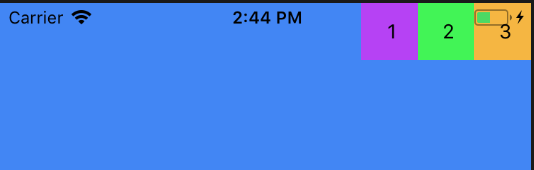
justifyContent and alignItems :container:{
backgroundColor:'#4286f4',
flex: 1,
flexDirection: 'row',
justifyContent: 'flex-end',
alignItems:'flex-start'
}

Similarly for:
container: {
  backgroundColor:'#4286f4',
  flex: 1,
  flexDirection: 'row',
  justifyContent: 'flex-end',
  alignItems:'flex-end'
}
Views will render like:

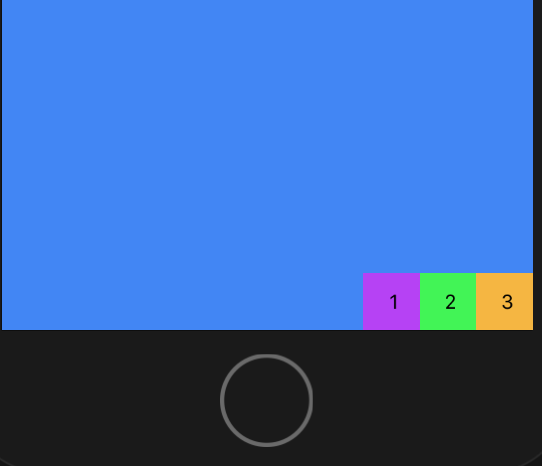
flexDirectiondetermines the primary axis as ‘row’ or ‘column’.justifyContentdetermines the distribution of children along the primary axis.alignItemsdetermines the alignment of children along the secondary axis.
To set items to center :

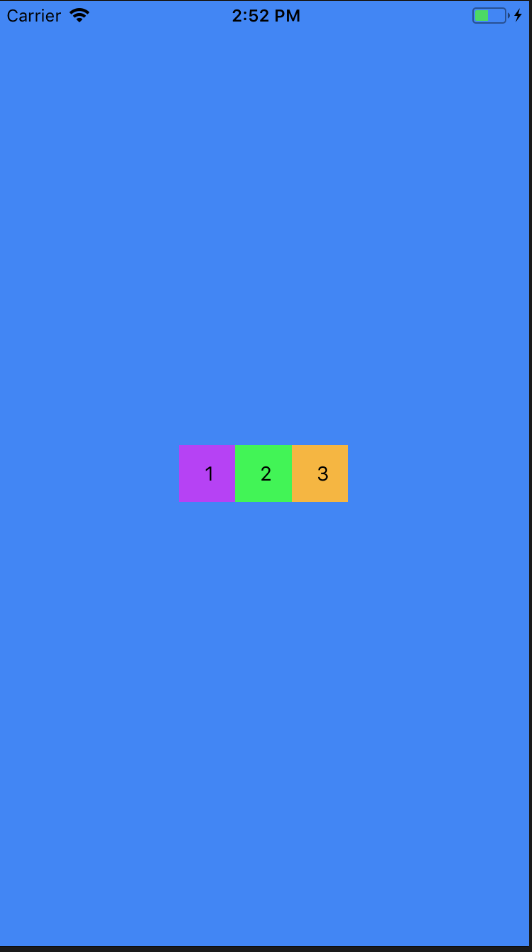
justifyContent supports flex-start, center, flex-end, space-around, and space-between.
For
space-around:
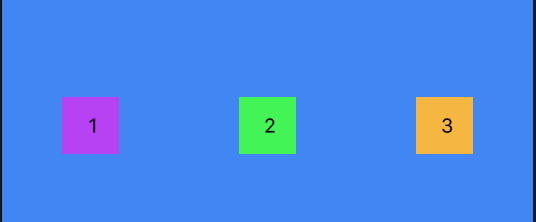
and
space-between:

space-betweenalignItems supports: flex-start, center, flex-end, and stretch.Overriding the Container Style
If we need an item to override it’s defined as defined by the container we could use style the items individually.
alignSelf overrides alignItems and supports these options auto, flex-start, flex-end, center, stretch and baseline.
If we tell an item to align itself to
flex-start,alignSelf: 'flex-start'
It would end up like this:

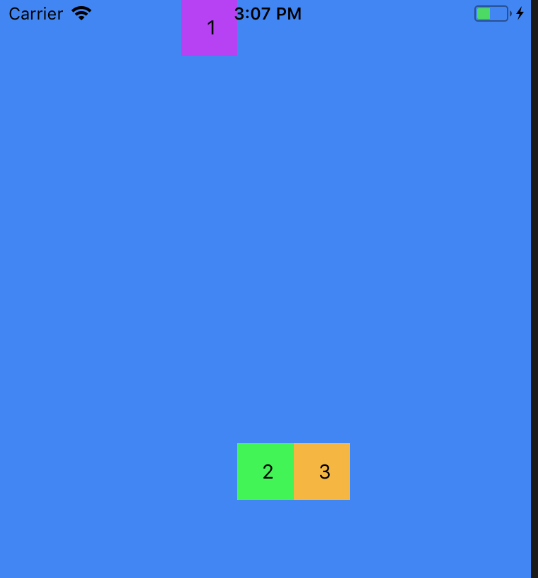
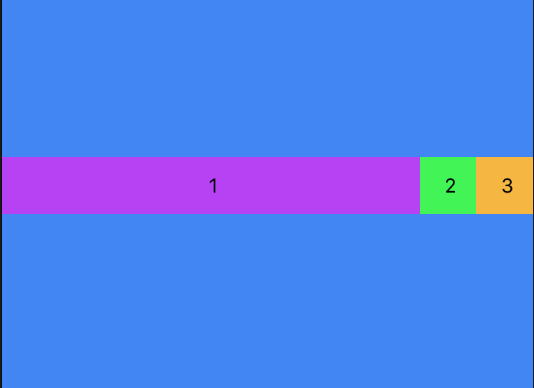
flexGrow controls how much the item will grow relative to the rest of the flexible items inside the same container.flexGrow: 1
Would render as:

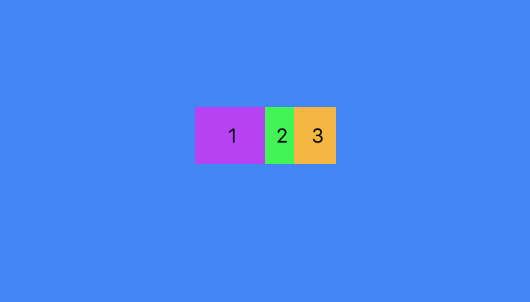
flexBasis controls the item size with percent. For eg:flexBasis:50 //firstView style
flexBasis:20 //secondView style
flexBasis:30 //ThirdView style


No comments:
Post a Comment